SQL/KQL formatter tool
A free browser-based formatter for T-SQL, KQL, and five other SQL dialects. Your queries never leave your machine.
Claus Munch
Mar 11, 2026 · 1 min read
If you work with databases long enough, you end up staring at queries like this:
WITH quarterly_revenue AS (SELECT p.ProductCategory, DATEPART(QUARTER, o.OrderDate) AS Qtr, DATEPART(YEAR, o.OrderDate) AS Yr, SUM(oi.Quantity * oi.UnitPrice) AS Revenue, COUNT(DISTINCT o.OrderId) AS OrderCount FROM Orders o INNER JOIN OrderItems oi ON o.OrderId = oi.OrderId INNER JOIN Products p ON oi.ProductId = p.ProductId WHERE o.OrderDate >= DATEADD(YEAR, -2, GETDATE()) AND o.Status NOT IN ('Cancelled', 'Returned') GROUP BY p.ProductCategory, DATEPART(QUARTER, o.OrderDate), DATEPART(YEAR, o.OrderDate)), ranked AS (SELECT *, LAG(Revenue) OVER (PARTITION BY ProductCategory ORDER BY Yr, Qtr) AS PrevRevenue, RANK() OVER (PARTITION BY Yr, Qtr ORDER BY Revenue DESC) AS CategoryRank FROM quarterly_revenue) SELECT ProductCategory, Yr, Qtr, Revenue, OrderCount, CategoryRank, CAST(CASE WHEN PrevRevenue > 0 THEN ((Revenue - PrevRevenue) / PrevRevenue) * 100 ELSE NULL END AS DECIMAL(5,2)) AS GrowthPct FROM ranked WHERE CategoryRank <= 5 ORDER BY Yr DESC, Qtr DESC, CategoryRank
It works. It's also completely unreadable at 10 PM when something is wrong in production.
Formatters solve that — but most online tools pipe your query through a server. That's fine for public schemas, less fine when your query contains table names, column names, or filters that reveal something about your data model or business.
So I built one that doesn't.
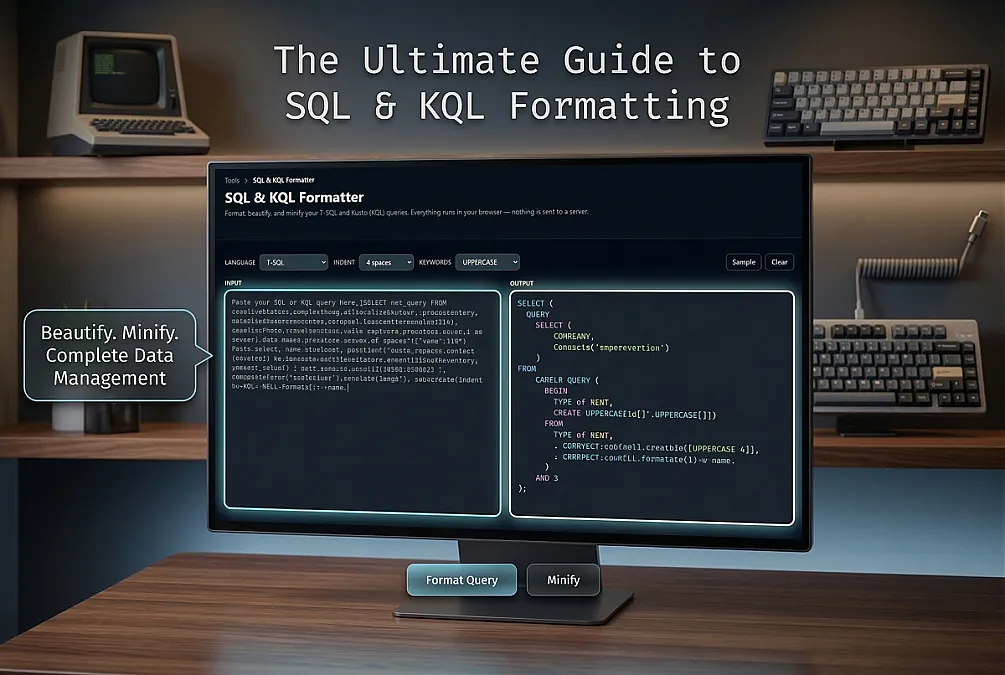
How it works The SQL & KQL Formatter runs entirely in your browser. When you click Format Query, no network request is made. The sql-formatter library does the work locally in JavaScript, and the result appears on screen. Your query goes nowhere.
What it supports Six dialects are covered:
T-SQL — the default, for SQL Server and Azure SQL Standard SQL — ANSI-compatible queries PL/SQL — Oracle MySQL PostgreSQL KQL (Kusto Query Language) — Azure Data Explorer, Log Analytics, Microsoft Sentinel KQL deserved special attention. Existing formatters barely know it exists. The tool has a hand-written KQL formatter that understands pipe operators (where, project, summarize, join, etc.), formats multi-field projections with proper indentation, and respects let bindings.
Options Three knobs:
Language — pick your dialect Indent — 2, 4, or 8 spaces Keywords — UPPERCASE, lowercase, or leave them as-is There's also a Minify button for when you need the opposite: a single-line query to embed in a config file, a connection string, or a script.
Try it Paste a messy query, hit Format Query, copy the result. That's it.
If you work with Azure Monitor, Sentinel, or Data Explorer, give the KQL mode a try — pipe-heavy queries especially come out much cleaner.